
3D creation for agents
Generate 3D models, worlds, materials, asset packs, and audio with Cursor, Claude, or Codex.
Install Mint MCP
- 1.
Run this command in your terminal:
codex mcp add mint --url https://mcp.mint.gg/mcp
- 2.
Authenticate with Mint via OAuth once when prompted.
Install Mint 3D Skills
- 1.
Run this command in your terminal:
npx skills add mintdotgg/mint-threejs-skills -a codex -g -y
Made with Mint MCP + Mint 3D Skills
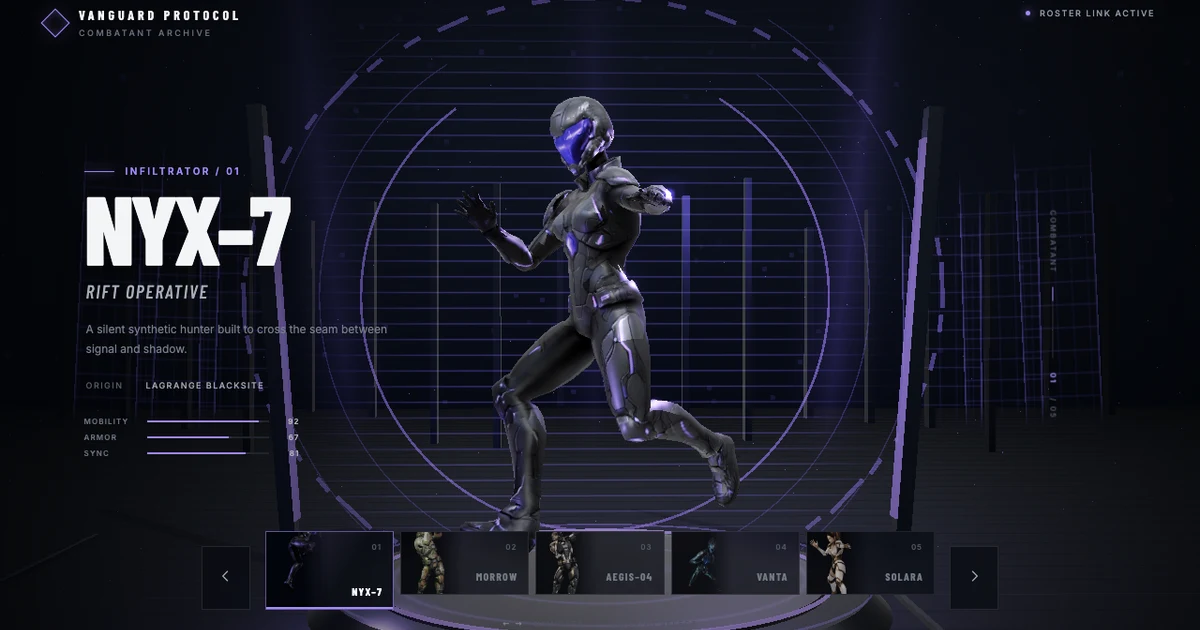
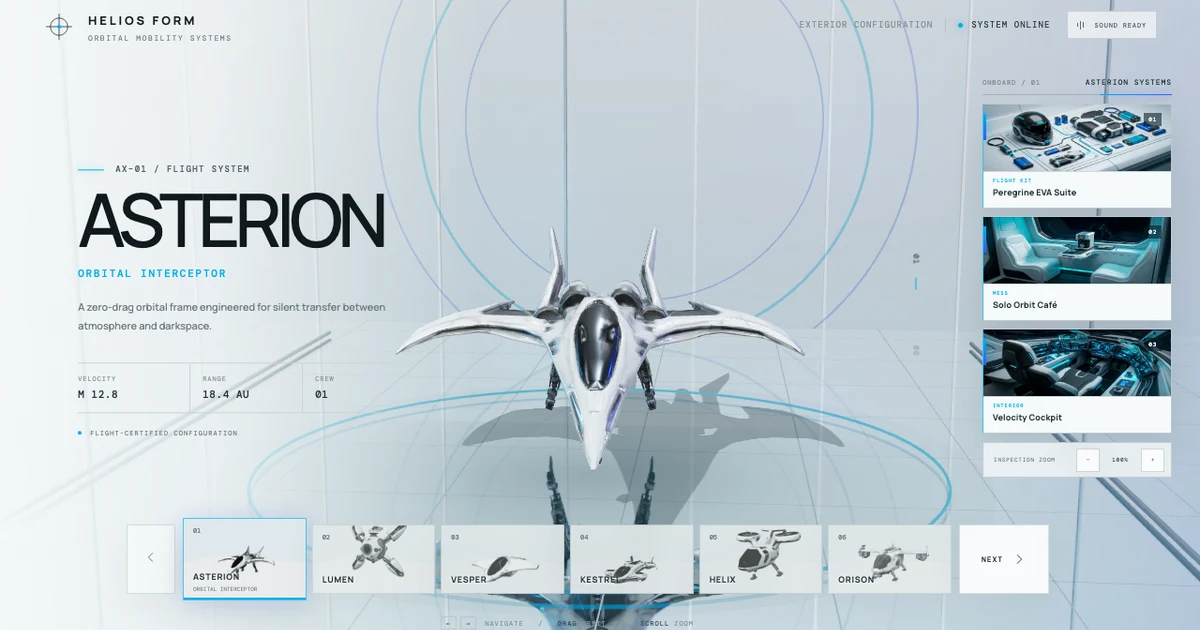
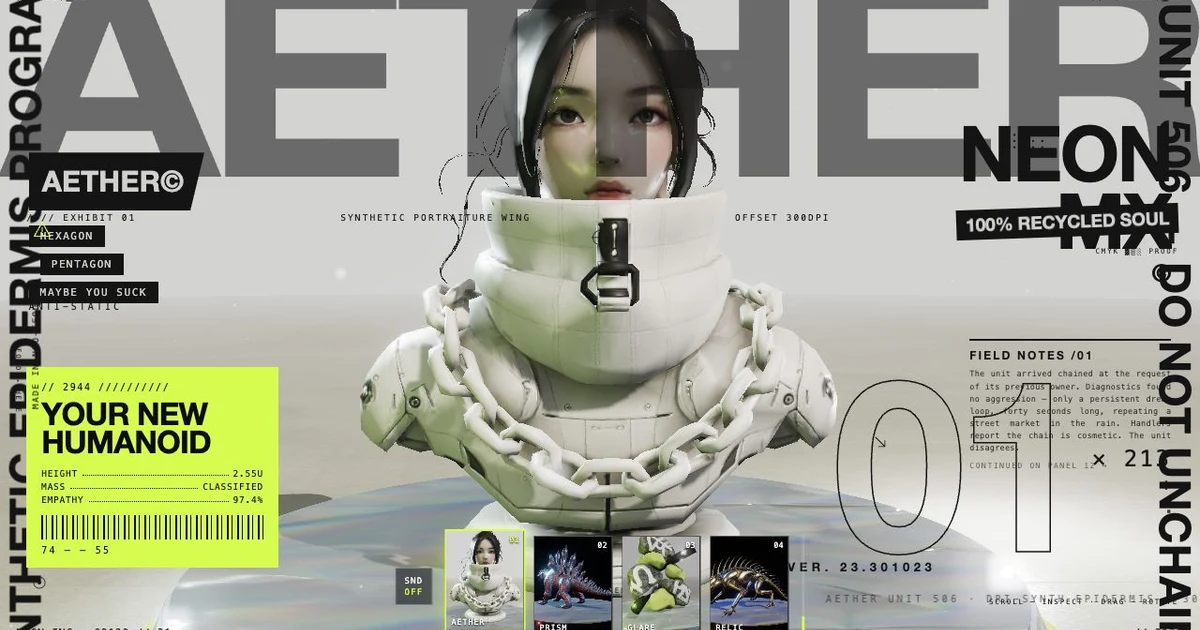
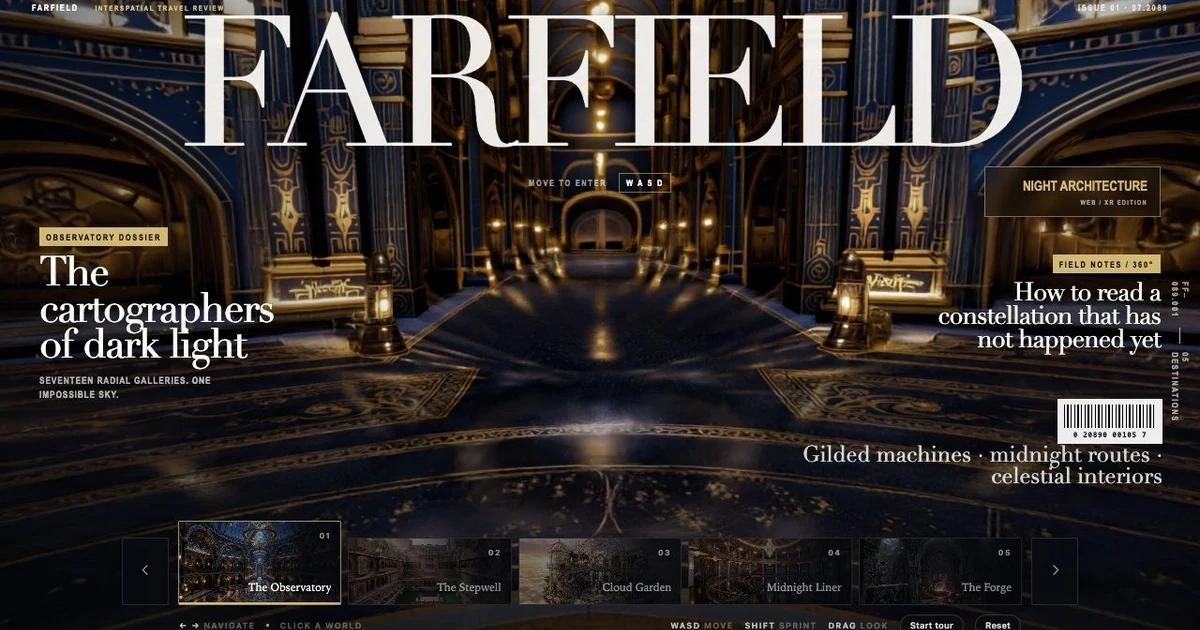
How it works
- 1.
Ask your coding agent to generate an asset or build a complete 3D app with Mint MCP and Mint 3D Skills.
3D app
$ Use Mint Three.js Skills (mint-threejs-skills) and Mint MCP to build a responsive Three.js product configurator with model variants, material selection, annotations, and camera presets.3D model
$ Using the Mint MCP, generate a stylized 3D game character: a forest ranger with leather armor, a glowing lantern staff, and a ready-for-adventure pose.Asset pack
$ Using the Mint MCP, generate a game-ready forest campsite prop pack, wait for the final pack, then fetch the GLB ZIP into this project.Audio
$ Using the Mint MCP, generate a crisp coin pickup sound effect, wait for the final audio, then fetch the audio file into this project. - 2.
Mint MCP produces the 3D assets and durable artifacts. Mint 3D Skills guides the app architecture, asset integration, interaction, debugging, and release checks. Ask for review mode when you want to inspect and revise generation previews before finalizing them.